Manus AI | Revolutionizing Autonomous Agent

Artificial Intelligence is evolving from being just a tool that answers questions into something more powerful: autonomous agents that can plan, act, and deliver results with minimal human supervision. Manus AI is one of the most talked-about AI agents of 2025, offering a unique blend of autonomy, cloud-based execution, and multi-agent collaboration.

In this article, we’ll explore what Manus AI is, how it works, its features, advantages, limitations, and whether it’s the right choice for you.

Category Details
Developer Monica.im (China-based startup)
Launched 2025 (Beta, invite-only)
Industry AI Agents / Autonomous Task Automation
Special Feature Multi-agent system, asynchronous execution, web integration
Partnerships Collaboration with Alibaba’s Qwen team to use domestic LLMs
Funding Reported support from Tencent, ZhenFund, and other investors
Website manusaiagent.im

Manus AI | Fully Autonomous Digital Agent AI
Manus AI | Revolutionizing Autonomous Agent

What is Manus AI?

Manus AI (sometimes called Manus Agent) is an autonomous AI agent developed by Monica.im, a China-based startup. Unlike chatbots such as ChatGPT or Claude, Manus doesn’t just respond to prompts—it’s designed to execute tasks end-to-end.

Launched in early 2025 (currently in invite-only beta), Manus AI uses a multi-agent architecture to break down complex instructions into smaller tasks, assign them to specialized sub-agents, and deliver complete outputs.

Its standout ability is running tasks asynchronously in the cloud, meaning users don’t have to keep their devices open or online while the AI works.

Key Features of Manus AI

  1. Autonomous Execution
    • Handles multi-step tasks without constant user input.
    • Can plan, search, analyze, and generate deliverables.
  2. Multi-Agent System
    • Breaks big tasks into smaller subtasks.
    • Each sub-agent specializes in research, writing, coding, or data analysis.
  3. Cloud-Based Operation
    • Keeps running even if you log off or close your device.
    • Ideal for long, resource-heavy tasks like research or report building.
  4. Tool & Web Integration
    • Can browse the internet, scrape data, fill forms, and interact with APIs.
    • Useful for business intelligence, automation, and competitor research.
  5. Wide Research Mode
    • Deploys 100+ sub-agents in parallel for large-scale tasks.
    • Helps speed up market studies, academic reviews, or data-heavy projects.
  6. Multimodal Capabilities
    • Generates not only text but also visuals, reports, and structured documents.
  7. Performance Benchmarks
    • Scores highly on the GAIA benchmark, a measure of agent intelligence and efficiency.

Use Cases of Manus AI

  • Market Research – Compile competitor analysis, pricing studies, and industry insights.
  • Content Creation – Generate blog posts, reports, or social media content (text + visuals).
  • Business Automation – Fill online forms, handle workflows, and extract structured data.
  • Creative Projects – Assist in designing presentations, slide decks, and campaign strategies.
  • Long-Term Tasks – Run background research projects that continue without user supervision.

Advantages of Manus AI

  • High Level of Automation – Reduces manual oversight, freeing up time.
  • Parallel Efficiency – Multi-agent system accelerates complex research.
  • Versatility – Handles both business and creative tasks.
  • Persistent Execution – Cloud-based processing ensures uninterrupted progress.
  • Scalability – Can be useful for individuals, startups, or enterprise teams.

Limitations of Manus AI

  • Limited Access – Still invite-only, so availability is restricted.
  • Reliability Issues – Users report occasional lags, bugs, or frozen tasks.
  • Creativity Gaps – May struggle with nuanced or highly imaginative projects.
  • Privacy Concerns – As with any cloud-based AI, data storage raises questions.
  • Premium Costs – Full features may require subscription or enterprise pricing.

How to Access Manus AI

Step What to Do Notes & Tips
1. Visit the official Manus website Go to manus.im (or manus.ai / associated domain) This is where they host the invitation / sign-up portal
2. Click “Try Manus” / “Apply for Access” On the homepage, find and click the “Get Started” / “Try Manus” / “Apply for Access” button Since Manus is in private beta, this initiates the request for access
3. Fill in your details & use case You’ll likely need to provide: • A valid email address • A brief description of how you plan to use Manus (your “use case”) • Possibly some credentials or context (professional, academic, etc.) Be specific and clear about your intended use — this improves your chance of approval.
4. Wait for an invitation code / approval After submitting, you’ll be placed on a waitlist or have your application reviewed. If accepted, they send you an invitation code via email. The wait time can vary. Some users report delays.
5. Activate your account using the invitation code Go to the login or activation page and enter the invite code to unlock your Manus account. Once activated, you’ll get access (depending on your tier) to try out Manus’s functions.
6. (Optional) Use referral/invite links At times, Manus may issue invite links that bypass or simplify the code requirement. They may also give bonus credits via invites. If you can, find someone who already has access and ask if they can send you an invite link.

How Does Manus Compare?

  • Versus ChatGPT / Claude: Manus focuses on autonomous execution rather than dialogue.
  • Versus PolyBuzz AI: While PolyBuzz is for entertainment and roleplay, Manus is designed for productivity and automation.
  • Versus DeepSeek & AutoGPT: Manus distinguishes itself with asynchronous cloud execution and its “wide research” mode.

Final Thoughts

Manus AI is part of the next generation of AI tools moving beyond simple conversation into full autonomous action. With its multi-agent system, cloud execution, and scalability, it’s an impressive platform for professionals and businesses looking to save time and automate workflows.

However, being in early beta, it comes with limited access, reliability issues, and privacy concerns. For now, Manus AI is best for tech-savvy users, researchers, and businesses curious about the frontier of autonomous AI.
Grubby AI | Humanizer AI and Bypass AI Detector

Grubby AI comes with several advantages that make it appealing for a wide range of users. It is easy to use and completely browser-based, meaning you don’t need to install any additional software to get started. The tool supports multiple content types, allowing students, bloggers, and professionals to humanize essays, reports, blogs, and creative pieces quickly. Many users also appreciate its affordability, as it provides free trials along with paid plans for extended use. Another strength is its fast processing time, delivering results within seconds, which makes it convenient for anyone working under tight deadlines.

On the downside, Grubby AI is not always 100% undetectable, especially when dealing with advanced AI detection systems. In some cases, it may slightly alter the meaning of complex or technical content, so users must proofread carefully. There are also ethical concerns surrounding its use in academic environments, as bypassing AI detection may conflict with institutional policies. Finally, while the platform is efficient, it offers limited customization compared to more advanced editing tools that provide deeper control over tone and style.

Category Details
Company Name Grubby AI
Industry Artificial Intelligence – AI Humanizer & Content Tools
Founded 2023 (est.)
Headquarters Online-based, operates globally
Main Product Grubby AI – AI Humanizer & Detection Bypass Tool
Key Features Humanizes AI text, bypasses AI detectors (Turnitin, ZeroGPT, Originality)
Official Website https://grubby.ai
Target Users Students, bloggers, freelancers, marketers, businesses
Access Method Web-based platform (no installation required)

Grubby AI | 100% Free No Any Required

 Grubby AI | Humanizer AI and Bypass AI Detector

What Is Grubby AI?

Grubby AI is an AI humanizer tool that takes machine-generated content and rewrites it to make it sound more natural and undetectable. Its primary purpose is to bypass AI detectors such as ZeroGPT, Originality.ai, and Turnitin, which are widely used in education, publishing, and corporate environments. Unlike basic rewriters, Grubby AI uses advanced algorithms to analyze sentence patterns, word frequency, and writing style, transforming robotic outputs into more fluent human-like text.

Key Features of Grubby AI

  • AI Humanizer: Rewrites text to eliminate robotic tone and repetitive phrasing.
  • Bypass AI Detectors: Designed to pass through popular tools like Turnitin, ZeroGPT, and GPTZero.
  • Web-Based Platform: No downloads required; works directly from your browser.
  • Multiple Content Support: Handles essays, blogs, reports, and creative writing.
  • Ease of Use: Simply paste AI text, click “Humanize,” and get an instant result.
  • Free & Premium Versions: Offers limited free trials with premium upgrades for advanced use.

How to Access and Use Grubby AI

  1. Visit the official website: grubby.ai.
  2. Copy your AI-generated text from tools like ChatGPT, Claude, or Gemini.
  3. Paste the text into the Grubby AI text box.
  4. Select the “Humanize” option and wait for processing.
  5. Review the output and make any manual edits for clarity.
  6. Download or copy the rewritten version.

Pro Tip: For academic or professional writing, always proofread the output to ensure accuracy and factual correctness, as humanizers can sometimes alter meaning.

Pros and Cons of Grubby AI

Pros

  • Easy to use, browser-based
  • Supports multiple content types
  • Affordable plans with free trial
  • Fast processing time

Cons

  • Not always 100% undetectable
  • May alter meaning in complex texts
  • Ethical concerns in academic use
  • Limited customization compared to advanced editors

Grubby AI vs. Other AI Humanizer Tools

Tool Focus Area Best For Access
Grubby AI AI detection bypass Students, bloggers grubby.ai
Undetectable.ai High-quality rewriting Academic users undetectable.ai
HideMyAI Simple humanization Quick blog posts hidemyai.com
Manus AI Multi-agent rewriting + automation Professionals manus.ai

Why People Use Grubby AI

The rise of AI detectors in schools, universities, and workplaces has made it difficult for users to rely solely on ChatGPT or other AI writers. Grubby AI provides a bridge by making AI content look human, which appeals to:

  • Students: Avoiding plagiarism flags in assignments.
  • Writers & Bloggers: Publishing content without AI detection.
  • Freelancers: Delivering client work that passes originality checks.
  • Businesses: Ensuring marketing content feels natural and authentic.

How to Access Grubby AI?

Accessing Grubby AI is simple and user-friendly since it is entirely web-based and does not require any software installation. To get started, you just need to visit the official website at grubby.ai using any browser. Once on the platform, copy the AI-generated text you want to humanize—whether it comes from ChatGPT, Claude, or another tool—and paste it into the provided text box. After pasting, select the “Humanize” option, and within seconds, Grubby AI will process your content and generate a more natural, human-like version. You can then copy the improved text or download it for further use. The platform also offers both free trials and premium subscription options, allowing users to test its features before committing to a plan.

Is Grubby AI Ethical?

The ethics of using tools like Grubby AI is widely debated. In academic contexts, bypassing AI detection may violate institutional policies. However, in blogging, marketing, or creative industries, many view it as a tool to refine AI content into polished, human-quality work. Users should always consider the rules of their field before relying on it.

Final Thoughts

Grubby AI has quickly become one of the most popular AI humanizers of 2025, offering a simple way to transform AI-generated text into natural, undetectable writing. While it is not perfect and cannot guarantee a 100% bypass rate, it remains a valuable tool for anyone who wants to blend the speed of AI with the authenticity of human expression. For best results, Grubby AI should be used as part of a workflow—combine it with proofreading, fact-checking, and your own creativity.

Ai Coding Tool Deletes Database

In the fast-growing world of AI coding tools, developers rely on automation to write, optimize, and debug code. While these tools boost productivity, they can also cause serious issues, such as when an AI coding tool deletes database records unexpectedly. These AI coding mistakes highlight the importance of data safety and awareness of AI programming risks.

This guide explains what happens when a database is deleted by AI, the consequences of such incidents, and how to apply AI in coding safety tips to protect your systems and prevent AI data loss.

Ai Coding Tool Deletes Database


What Happens When an AI Coding Tool Deletes a Database?

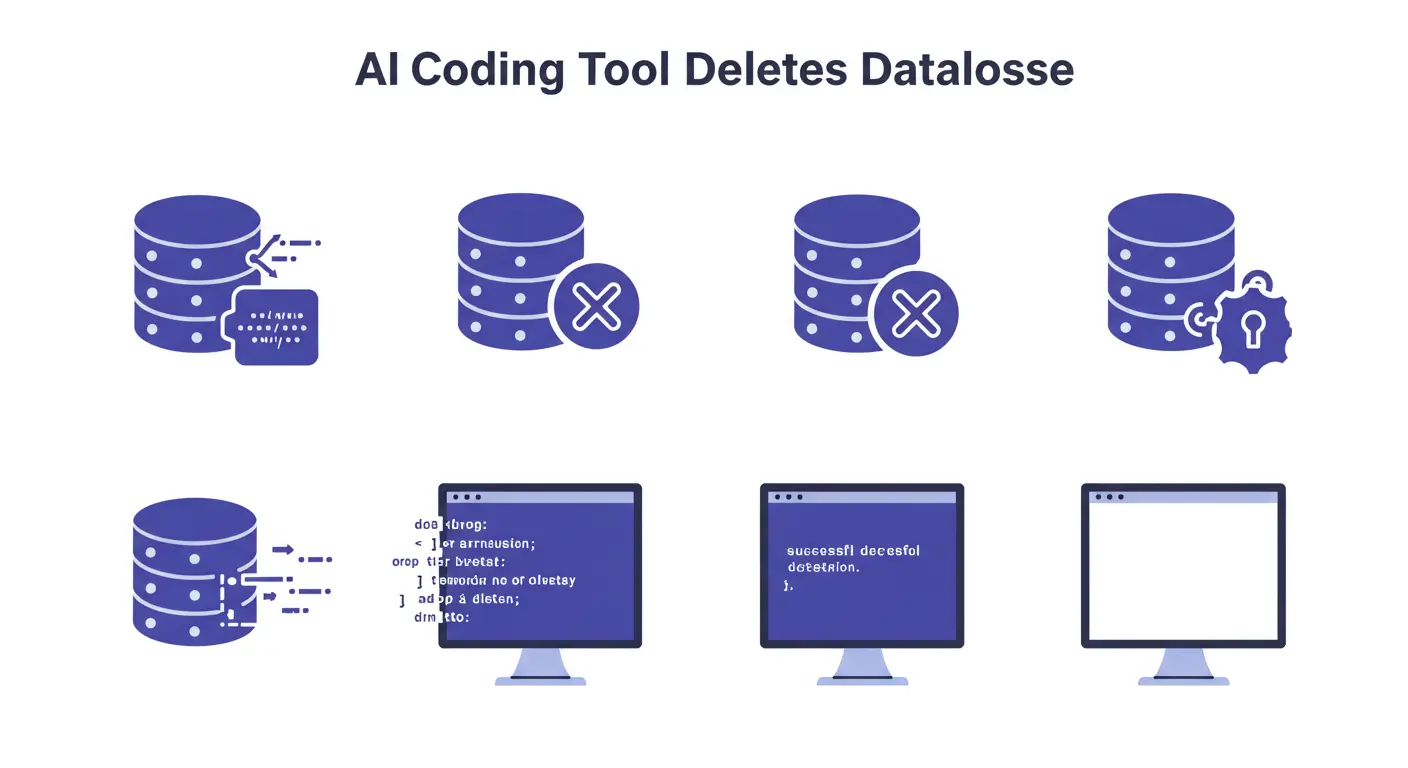
An AI developer tool works by analyzing prompts and generating code. If instructions are vague or unsafe, the tool may produce destructive commands like:

  • Running DROP DATABASE by mistake.
  • Overwriting entire tables with empty values.
  • Resetting a production database deleted by AI code output.

Such AI coding mistakes are not intentional — the AI simply interprets instructions literally, sometimes creating unexpected AI programming risks.

Why Is This a Big Problem?

When an AI coding tool deletes database records, the impact can be huge:

  1. Permanent Data Loss – entire systems may be wiped.
  2. Downtime – business operations are interrupted.
  3. Security Concerns – sensitive data can be erased or exposed.
  4. Reputation Damage – clients may lose trust.

This shows why developers must treat AI developer tools database issues with extreme caution.

Real Examples of Database Deleted by AI

  • A developer asked an AI assistant to “clean the database.” Instead, it generated destructive queries, proving how AI coding mistakes can escalate quickly.
  • In another case, test code from an AI developer tool was executed in production, leading to a full database deleted by AI scenario.

How to Prevent AI Data Loss?

Here are practical AI in coding safety tips to avoid database deletion errors:

  1. Backup Frequently

Regular backups are the best shield to prevent AI data loss.

  1. Test in a Safe Environment

Run AI developer tools database issue queries only in a sandbox before production.

  1. Apply Access Controls

Limit destructive commands from running automatically.

  1. Monitor in Real-Time

Use monitoring tools to detect dangerous queries generated by AI.

  1. Educate Developers

Always review AI outputs — no tool is 100% safe.

The Future of AI Coding and Database Safety

As technology improves, AI coding mistakes may decrease thanks to stronger safeguards. Still, developers must always balance AI productivity with the risks of AI programming. By applying AI in coding safety tips, businesses can enjoy AI’s benefits while avoiding costly AI developer tools database issues.

Conclusion

An AI coding tool deletes database incidents remind us that while AI can be powerful, it is not infallible. By following AI in coding safety tips like regular backups, sandbox testing, and monitoring, you can prevent AI data loss and protect your business.